
Pontoon slip measurement guide
Pontoon boat slip size: a measurement chart before you commit
Updated
Using model length alone can lead you to reserve the wrong pontoon slip. Use this pontoon boat slip size chart to compare the configured boat’s full outline with the berth’s usable dimensions, then confirm the remaining operating space with the marina before you reserve a slip or order the boat.
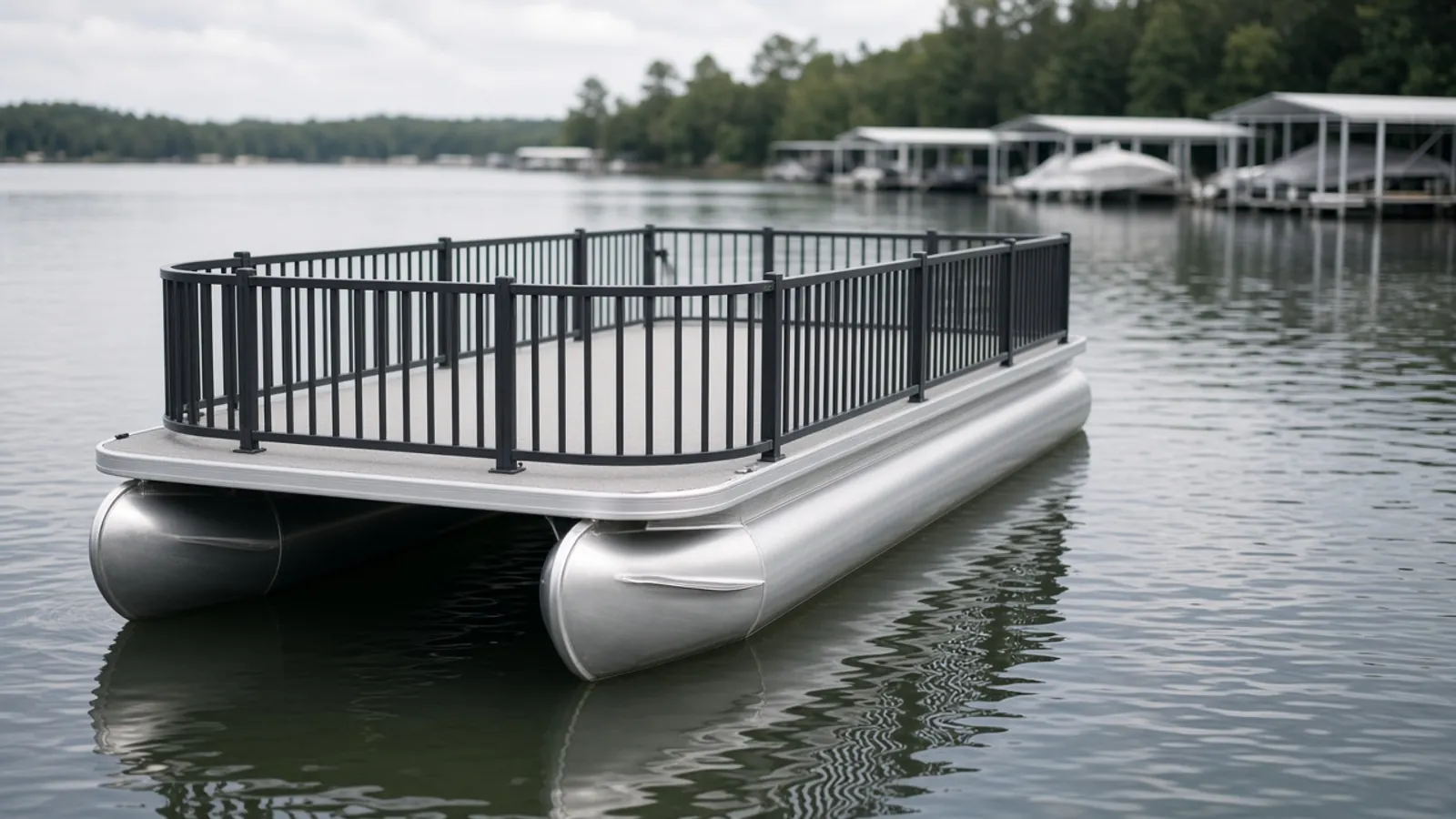
Start with the boat configuration and the actual berth
A useful slip size chart pairs measurements of your selected boat with measurements of your berth. Start with the Cove pontoon range to identify the model and configuration you want, then request its overall dimensions with the chosen engine and equipment. SEAVIA’s catalogue labels model lengths as reference figures; overall and deck measurements belong in the written quotation. Record the marina’s slip identifier alongside that configuration so nobody compares measurements from different boats or berths.
| Input | Record or request | Why it matters |
|---|---|---|
| Boat identity | Model, chosen beam/configuration, engine and drawing revision | A model name alone does not specify the complete outline. |
| Boat measurements | Outer length and width, plus underwater extent for the stated loading and engine position | Projecting equipment can change the space required. |
| Berth measurements | Usable length, narrowest clear width and water-depth condition, confirmed by the marina | Advertised slip size can differ from the usable space. |
| Operating conditions | Approach, wind/current, water-level changes and marina requirements | A static size comparison is only one part of berth acceptance. |
Measure the configured boat between named endpoints
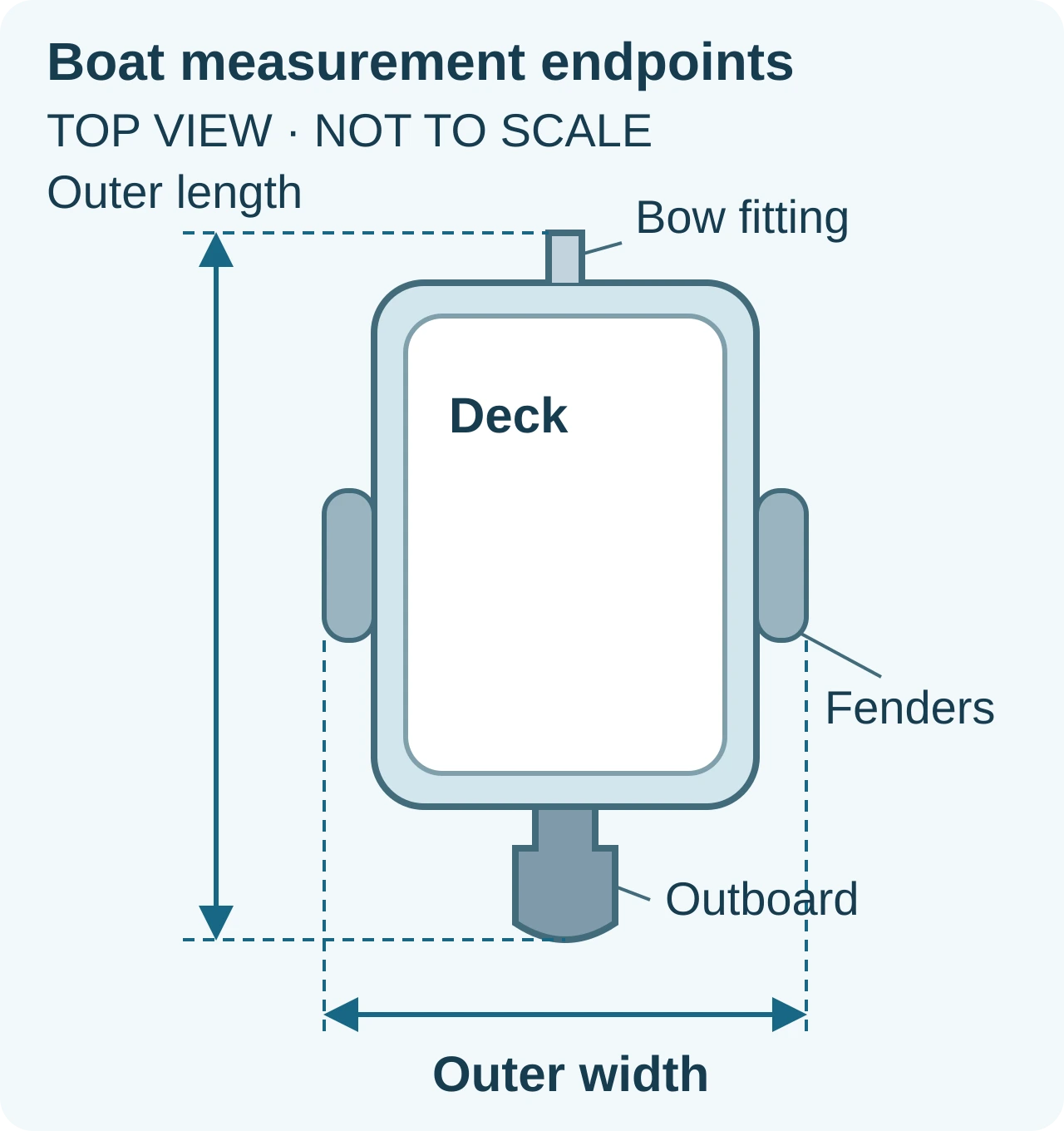
Record length from the foremost installed part to the rearmost part in the intended berth position. Name those parts, including any bow fitting and outboard that extend beyond the deck. For width, identify the outermost point on each side, including fenders in the arrangement the marina will assess. Measure the boat and berth at corresponding heights wherever a piling or other member could interfere.
The schematic shows why deck dimensions alone can miss the endpoints. Ask the seller to state the engine position on the configuration drawing and to distinguish the arriving position from the moored position if they differ. Obtain the relevant dimensions for both; this chart does not prescribe a tilt position.
Fill in the boat, berth and obstruction chart
Copy the chart into your notes or a spreadsheet. In each measurement cell, keep the endpoint names, value and unit, numbered photo and source file together. Use one unit throughout. The seller supplies configuration records for the boat; the marina or dock owner confirms berth measurements and site conditions. Write “unknown” and the responsible contact wherever evidence is missing.
Keep a separate list of overhead members or lift equipment if present, and refer it to the marina and equipment provider. This worksheet covers the boat outline and berth measurements; lift ratings and top clearance require their own review.
| Check | Boat | Berth | Obstruction | Unresolved item / owner |
|---|---|---|---|---|
| Length | Endpoints: ____ to ____. Value/unit: ____. Engine position: ____. Photo: ____. Drawing/file: ____. | Forward usable limit: ____. Aft usable limit: ____. Value/unit: ____. Photo: ____. File: ____. | Part reducing usable length, or none identified: ____. Location: ____. Photo: ____. File: ____. | Seller: overall length/configuration ____. Marina: usable limits/permitted overhang ____. |
| Width | Outermost left part: ____. Right part: ____. Value/unit: ____. Fender arrangement: ____. Photo: ____. Drawing/file: ____. | Inside face: ____ to ____. Narrowest value/unit: ____. Measurement location/height: ____. Photo: ____. File: ____. | Piling, bumper, finger or other inward projection: ____. Location: ____. Photo: ____. File: ____. | Seller: outer width ____. Marina: narrowest gap and operating space ____. |
| Below-water check | Waterline to lowest underwater part: ____. Value/unit: ____. Load/engine state: ____. Photo or drawing: ____. Source file: ____. | Depth/value/unit: ____. Low-water condition and date: ____. Measurement location: ____. Photo or survey: ____. File: ____. | Underwater obstruction or reduced-depth area: ____. Evidence/photo: ____. File: ____. | Seller: configured underwater extent ____. Marina: low-water depth and required margin ____. |
Photograph the obstruction and record equipment position
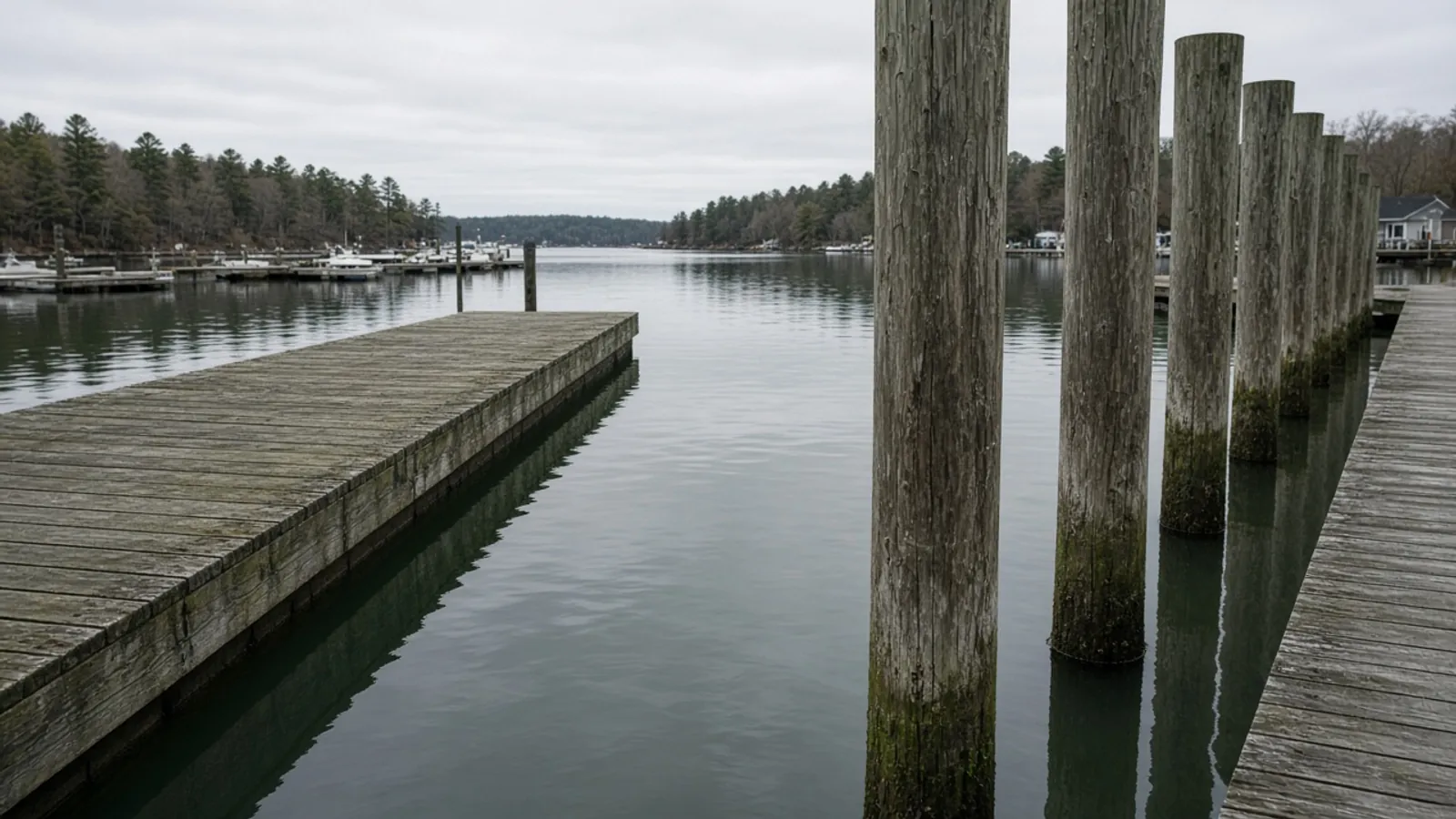
Photograph both ends of each measurement and add a close view of anything that projects into the space. Use simple photo IDs such as P1 and P2 in the chart, and retain the original files. Mark the measurement line on a copy of the photo or drawing. A picture can identify the endpoint, but a measured value needs a measurement record or dimensioned drawing. Use the pontoon buying guide to settle your layout before requesting configuration dimensions.
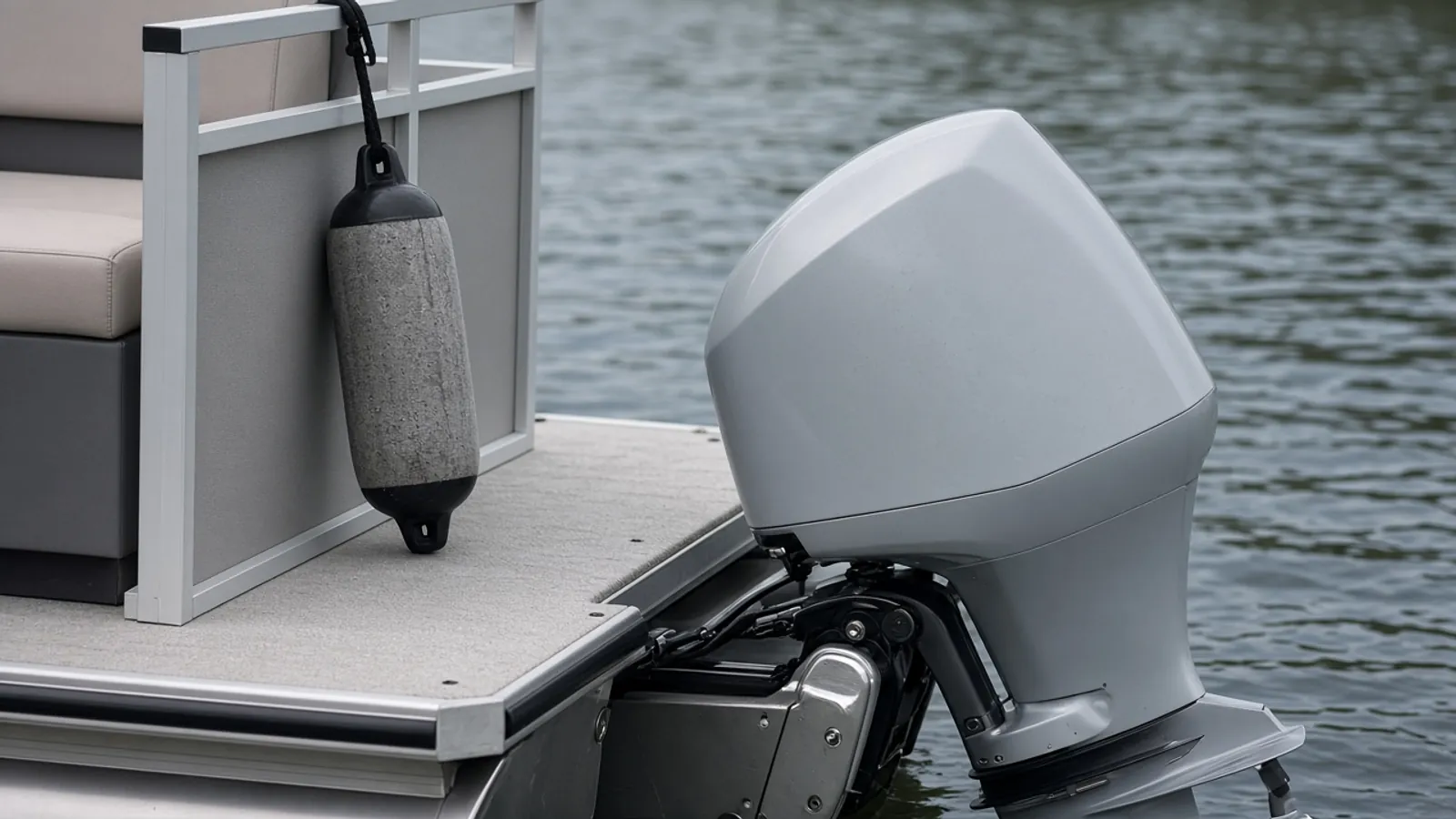
The stern illustration shows an outboard behind the deck and a hanging fender beside the fence. Their positions belong in the measurement record. The pontoon buying guide helps you settle the intended layout before requesting configuration dimensions.
- Capture the bow and stern, with the engine position and any boarding equipment identified.
- Show the fenders and both sides of the narrowest berth gap, including bumpers or pilings.
- Ask the marina to document the approach and low-water conditions, and note anything that could require a separate review.
Calculate remaining width, then ask the marina to assess it
Subtract the configured boat’s outer width from the narrowest clear berth width to find the total unallocated width: C = Wclear − Wboat. Both inputs must use the same unit and include the equipment and inward projections already recorded in the chart. This is a straight, static comparison of the stated outlines.
Hypothetical arithmetic only: assume a clear berth width of 3.60 m and a boat outer width of 2.80 m. C = 3.60 m − 2.80 m = 0.80 m total unallocated width. These assumed values describe no SEAVIA model or actual slip, and 0.80 m is not a recommended operating allowance.
If C is zero or negative, the recorded outlines leave no lateral space in that straight position. Resolve the mismatch before reserving or ordering. If C is positive, ask the marina to assess the approach, mooring arrangement, movement and site conditions; the result alone does not establish berth acceptance. An unknown input leaves the comparison unresolved.
Apply the same endpoint discipline to length. The marina must confirm usable limits and any permitted overhang; a longer advertised berth does not settle those conditions.
Confirm the cost of a mismatch before paying a deposit
Ask for the terms and possible costs of changing the berth or boat configuration before either deposit becomes nonrefundable. Put any required equipment change in the boat quotation and any berth condition in the marina’s written terms. The how to buy guide explains the configuration and quotation checks to complete before committing. For land storage, use the boat garage fit checklist.
For land storage, use the boat garage fit checklist to compare the complete trailer package with the access and storage space. Those measurements are separate from this berth chart.
| Mismatch to catch | Dominant failure mode & prevention | Cost or term to confirm |
|---|---|---|
| Deck length copied as overall length | A projecting engine or bow fitting crosses the usable limit. Request endpoint dimensions for the selected configuration. | Berth change, permitted overhang and reservation cancellation terms. |
| Width measured between dock edges | An inward piling or bumper reduces the gap. Use the narrowest relevant inside faces. | Alternate berth availability and fees; approval for any dock alteration. |
| Equipment state changes after review | A different engine or fender arrangement changes the recorded outline. Recheck affected dimensions before accepting the change. | Configuration revision, replacement equipment and repeat measurement costs. |
| Water or approach conditions omitted | The berth comparison misses low-water or maneuvering constraints. Obtain the marina’s site review. | Seasonal storage, alternate mooring and related contract terms. |
Send the chart with your configuration question
Send your model preference, destination and completed chart to SEAVIA, with drawing references and the questions still awaiting the marina. Ask for the selected configuration’s overall dimensions and for the quotation to identify the engine and equipment those dimensions cover. Open a WhatsApp draft to start the conversation, attach your records and send the message in WhatsApp.
Opening the draft does not send a message or create an inquiry receipt. Keep the marina’s berth acceptance with the configuration records before committing.
| What to send | Why we need it | Example format |
|---|---|---|
| Model and destination | Identify the configuration and regional supply question. | Model preference: ____. Country/region: ____. |
| Configuration and documents | Connect dimensions to the engine, equipment and document revision. | Engine/configuration: ____. Drawing name/revision: ____. |
| Boat / berth / obstruction chart | Keep measured inputs and unanswered questions together. | Length: ____. Width: ____. Unknowns and contact: ____. |
| Numbered photos and marina conditions | Show endpoints and the restrictions supplied by the marina. | P1 bow; P2 stern; P3 narrowest piling gap; marina note: ____. |
Method and sources
Updated October 18, 2026. This worksheet uses SEAVIA’s approved reference-catalogue wording to separate model dimensions from selected-configuration measurements. Current dock-provider guidance supplies the general measurement definitions and site considerations below. The width calculation is dimensional subtraction using explicitly assumed inputs. No universal slip allowance or model-to-slip size table is applied. See our buying guides for related selection questions.
EZ Dock’s “Measure Your Boat” section defines length, beam and draft, and its site guidance addresses changing water conditions and local requirements. Supreme Floating Docks’ layout guide identifies engines, bow hardware, fenders and piling positions as planning inputs. Both sources were accessed October 18, 2026; their general guidance supplies context, while the seller and marina must supply the records for your boat and berth.
The images illustrate outlines and obstructions; they are not measured configurations. Find related selection and quotation guidance in our buying guides.